Kotlin Flow Operators: The Complete Guide
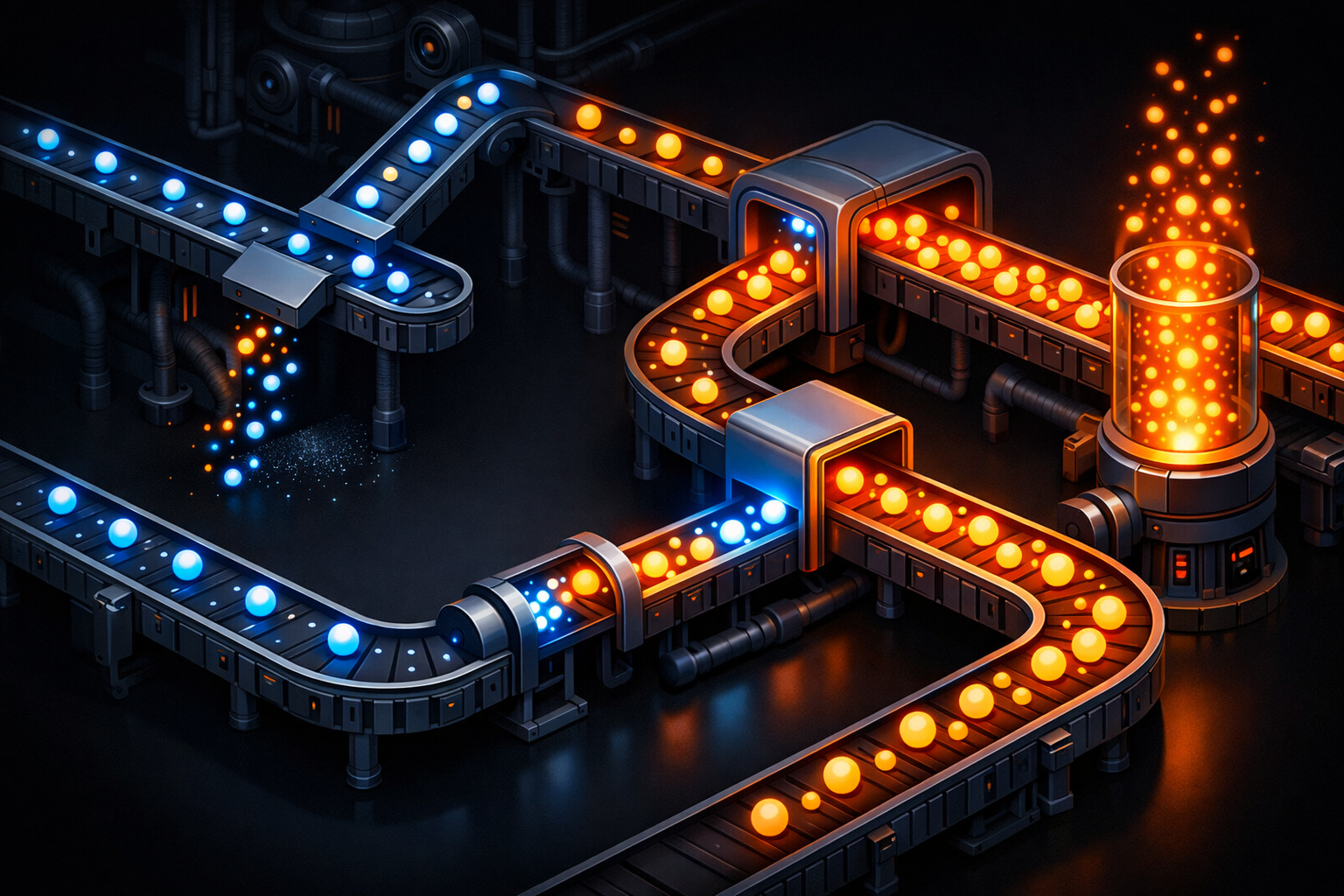
Kotlin Flow is a reactive stream API that emits multiple values over time, replacing LiveData as Google's recommended approach for reactive state management in Android. Flow supports powerful operators like map, filter, combine, debounce, and flatMapLatest for composing asynchronous data pipelines.
This is Part 3 of a 3-part series on Kotlin for Android developers. If you missed the earlier parts, check out Part 1: Kotlin Coroutines and Part 2: Jobs & Cancellation first. In this final part, we go deep on Kotlin Flow — the reactive stream API that has completely replaced LiveData in modern Android development.
Let's get into it.
1. What is a Flow?
Think of a Flow as a conveyor belt. Items arrive one by one, over time. You stand at the end, picking each item up as it comes.
Compare that to a regular suspend function, which gives you one result:
// ONE result — like ordering a single package
suspend fun getUser(): User {
    return api.fetchUser()
}

// MULTIPLE results over time — like a conveyor belt of packages
fun observeUsers(): Flow<List<User>> = flow {
    while (true) {
        emit(api.fetchUsers())
        delay(5000)
    }
}
A suspend function is "call and get one answer." A Flow is "subscribe and keep getting answers." That single difference changes everything about how you build reactive Android UIs.
2. LiveData vs Flow
If you have been doing Android development for a while, you know LiveData. Think of LiveData as a notice board — you pin something up, everyone in the room sees it. Simple, gets the job done.
Flow is the conveyor belt — powerful, flexible, and built for complex operations.
Here is how they compare:
| Feature | LiveData | Flow |
|---|---|---|
| Platform | Android-only | Pure Kotlin (multiplatform) |
| Operators | ~5 (map, switchMap) | 20+ (map, filter, combine, debounce...) |
| Debounce | Not possible | Built-in |
| Combine streams | MediatorLiveData (messy) | combine (clean) |
| Threading | Main thread only | flowOn for any dispatcher |
| Lifecycle-aware | Yes, automatic | Need repeatOnLifecycle |
Google's official recommendation as of 2026: use StateFlow in ViewModels, not LiveData.
// OLD: LiveData approach
class UserViewModel : ViewModel() {
    private val _user = MutableLiveData<User>()
    val user: LiveData<User> = _user

    fun load() {
        viewModelScope.launch {
            _user.value = repository.getUser()
        }
    }
}

// NEW: StateFlow approach (Google recommended)
class UserViewModel : ViewModel() {
    val user: StateFlow<User?> = repository.observeUser()
        .stateIn(viewModelScope, SharingStarted.WhileSubscribed(5000), null)
}
The StateFlow version is shorter, more testable, and gives you access to every operator we are about to learn.
3. Cold vs Hot Flows
This is the concept that trips up most developers, so let me give you two analogies that make it stick.
Cold Flow = Netflix. Each viewer gets their own stream, starting from episode 1. The show does not play until someone hits "Watch." If three people watch, three separate streams run. Cold Flows do not produce anything until someone collects them.
Hot Flow = Live cricket match. The broadcast is running whether you are watching or not. You tune in and see whatever is happening right now — you missed what came before. Hot Flows are always active.
// COLD — each collector gets its own stream from scratch
val coldFlow = flow {
    println("Producing...")
    emit(1)
    emit(2)
    emit(3)
}

// Nothing happens yet! No output until someone collects.
coldFlow.collect { println(it) } // NOW it runs: Producing... 1 2 3
coldFlow.collect { println(it) } // Runs AGAIN from scratch: Producing... 1 2 3

// HOT — always has a current value, shared across collectors
val hotFlow = MutableStateFlow(0)
hotFlow.value = 1  // Updates immediately, no collector needed
hotFlow.value = 2  // Previous value (1) is gone

// Also hot — fire-and-forget
val sharedFlow = MutableSharedFlow<String>()
Quick reference: flow {} and flowOf() are cold. StateFlow and SharedFlow are hot.
4. StateFlow vs SharedFlow
Both are hot, but they serve very different purposes. Here are two more analogies.
StateFlow = Scoreboard. It always shows the current score. If the score does not change, it does not announce anything new. You can walk up at any time and read the current value via .value.
SharedFlow = Loudspeaker announcement. "Fire drill in 5 minutes!" It fires once, anyone listening hears it, and it is gone. No .value to check later. And if the same announcement happens twice, it announces twice.
// StateFlow — for UI STATE (Loading, Success, Error)
// Always has a current value, only emits when value CHANGES
private val _uiState = MutableStateFlow<UiState>(UiState.Loading)
val uiState: StateFlow<UiState> = _uiState.asStateFlow()

// SharedFlow — for one-time EVENTS (toast, navigate, snackbar)
// No initial value, CAN emit the same value twice
private val _events = MutableSharedFlow<Event>()
val events: SharedFlow<Event> = _events.asSharedFlow()
Use StateFlow when you need to represent state that the UI observes — loading spinners, lists, error screens. Use SharedFlow when you need fire-and-forget events — show a toast, navigate to a screen, display a snackbar.
Collecting either one safely in a Fragment:
viewLifecycleOwner.lifecycleScope.launch {
    viewLifecycleOwner.repeatOnLifecycle(Lifecycle.State.STARTED) {
        // Launch both collections in parallel
        launch {
            viewModel.uiState.collect { state ->
                when (state) {
                    is UiState.Loading -> showLoading()
                    is UiState.Success -> showData(state.data)
                    is UiState.Error -> showError(state.message)
                }
            }
        }
        launch {
            viewModel.events.collect { event ->
                when (event) {
                    is Event.ShowToast -> toast(event.message)
                    is Event.Navigate -> navigate(event.route)
                }
            }
        }
    }
}
The repeatOnLifecycle(STARTED) pattern ensures collection stops when the Fragment goes to the background and restarts when it comes back. Never collect Flows directly in onViewCreated without this wrapper — you will leak collectors.
5. map + filter
Now let's talk operators. These are the tools that make Flow powerful.
map = Translator on the belt. Every item that passes through gets transformed into something else.
filter = Quality inspector. Items either pass or get rejected. No transformation, just a yes/no decision.
// WITHOUT operators — manual, ugly, error-prone
viewModelScope.launch {
    val users = repository.getUsers()
    val activeNames = mutableListOf<String>()
    for (user in users) {
        if (user.isActive) {
            activeNames.add(user.name.uppercase())
        }
    }
    _names.value = activeNames
}

// WITH operators — clean pipeline, declarative
repository.observeUsers()
    .map { users -> users.filter { it.isActive } }  // quality inspector
    .map { users -> users.map { it.name.uppercase() } }  // translator
    .collect { names -> _names.value = names }
The operator version reads like English: "observe users, keep only active ones, grab their names in uppercase, collect." That is the power of declarative pipelines.
6. combine
Imagine two conveyor belts feeding into one merge point. Whenever either belt sends a new item, the merge point grabs the latest item from both belts and combines them.
Real scenario: a search screen with a text query AND a category filter. Whenever the user types OR changes the category, you want to re-filter.
// WRONG: Nested collect — this is a BUG
viewModelScope.launch {
    searchQuery.collect { query ->
        // This inner collect NEVER STOPS when searchQuery emits again!
        // You get duplicate collectors stacking up
        categoryFilter.collect { category ->
            _results.value = repository.search(query, category)
        }
    }
}

// RIGHT: combine — clean, correct, no leaks
combine(searchQuery, categoryFilter) { query, category ->
    Pair(query, category)
}
    .flatMapLatest { (query, category) ->
        repository.searchFlow(query, category)
    }
    .collect { results ->
        _results.value = results
    }
Why does the nested collect bug happen? Because the inner collect is a suspending function that never returns. When searchQuery emits a new value, the outer collect lambda runs again, launching a second inner collector — but the first one is still running. You end up with zombie collectors piling up.
combine solves this elegantly. Either Flow emits, you get the latest from both, done.
7. flatMapLatest
Picture a restaurant kitchen. A customer orders pasta. The chef starts cooking. Then the customer changes their mind: "Actually, make it steak." The chef throws away the pasta and starts on the steak. Only the latest order matters.
This is flatMapLatest. When a new value arrives, the previous Flow gets cancelled.
The classic use case is a search bar. The user types 'a', then 'an', then 'android':
// WITHOUT flatMapLatest — 3 API calls, 2 of them wasted
searchQuery.collect { query ->
    val results = api.search(query) // 'a' fires, 'an' fires, 'android' fires
    _results.value = results         // All 3 complete, wasting bandwidth
}

// WITH flatMapLatest — only 'android' completes
searchQuery
    .flatMapLatest { query ->
        flow {
            val results = api.search(query)
            emit(results)
        }
    }
    .collect { results ->
        _results.value = results // Only the latest search result arrives
    }
When 'an' arrives, the API call for 'a' gets cancelled. When 'android' arrives, the call for 'an' gets cancelled. You pay for one API call instead of three.
8. debounce + distinctUntilChanged
Two operators that almost always go together, especially for search.
debounce = Elevator door. The door stays open as long as people keep entering. It only closes (emits) after everyone has stopped for a set time. In code: "wait until the user stops typing for 300ms before doing anything."
distinctUntilChanged = Parrot that only repeats NEW words. If you say "hello" three times in a row, the parrot says "hello" once. It only speaks up when it hears something different.
Here is the complete, production-ready search pattern you can copy-paste into your projects:
// The gold-standard search implementation
searchEditText.textChanges()          // Flow<String> from EditText
    .debounce(300)                    // Wait 300ms after user stops typing
    .distinctUntilChanged()           // Ignore if text didn't actually change
    .filter { it.length > 2 }        // Don't search for 1-2 character queries
    .flatMapLatest { query ->        // Cancel previous search
        repository.search(query)
            .onStart { _loading.value = true }
            .catch { emit(emptyList()) }
    }
    .collect { results ->
        _loading.value = false
        _results.value = results
    }
Walk through it: the user types "android". Each keystroke fires. debounce(300) waits until they stop for 300ms. distinctUntilChanged ignores repeated values (e.g., the user deletes and retypes the same letter). filter skips queries that are too short. flatMapLatest cancels any in-flight search when new text arrives. catch handles errors gracefully. Beautiful.
9. catch + onStart + onCompletion
Think of these as the lifecycle hooks of a Flow pipeline.
onStart = Turning on the OPEN sign at a shop. "We're getting started, show a loading spinner."
catch = Safety net under a tightrope walker. If anything goes wrong upstream, the net catches it and you handle it gracefully instead of crashing.
onCompletion = Locking up the shop. "We're done, hide the loading spinner, clean up."
repository.getArticles()
    .onStart {
        _uiState.value = UiState.Loading  // Show loading spinner
    }
    .catch { exception ->
        _uiState.value = UiState.Error(exception.message ?: "Unknown error")
    }
    .onCompletion {
        println("Flow completed — cleanup if needed")
    }
    .collect { articles ->
        _uiState.value = UiState.Success(articles)
    }
Critical rule: catch only catches errors from ABOVE it in the chain. If an error happens inside collect, the catch operator will NOT see it. Always place catch right before collect.
// WRONG: Error in collect is NOT caught
repository.getArticles()
    .catch { /* This won't catch errors below */ }
    .collect { articles ->
        riskyOperation(articles) // If this throws, app CRASHES
    }

// RIGHT: Move risky logic above catch, or handle inside collect
repository.getArticles()
    .map { articles -> riskyOperation(articles) } // Error happens HERE
    .catch { emit(emptyList()) }                  // Caught!
    .collect { _articles.value = it }
10. flowOn — The Door Between Rooms
flowOn is a door between two rooms. Everything above the door is in one room (e.g., the IO room). Everything below is in another room (e.g., the Main room).
// RIGHT: flowOn switches the upstream context
flow {
    // This runs on IO thread (above the door)
    val data = heavyDatabaseQuery()
    emit(data)
}
    .map { transform(it) }       // Also runs on IO (still above the door)
    .flowOn(Dispatchers.IO)      // <-- THE DOOR
    .collect { data ->           // This runs on Main (below the door)
        updateUI(data)
    }
A common mistake is using withContext inside a flow {} builder. That violates Flow's context preservation rule and will crash:
// WRONG: withContext inside flow — throws IllegalStateException!
flow {
    withContext(Dispatchers.IO) {  // CRASH!
        emit(repository.getData())
    }
}

// RIGHT: Use flowOn instead
flow {
    emit(repository.getData())
}
    .flowOn(Dispatchers.IO)  // Clean, correct
    .collect { updateUI(it) }
The rule is simple: never change the coroutine context inside a flow {} builder. Use flowOn after the builder to shift the upstream work to a different dispatcher.
11. stateIn + shareIn
These two operators convert a cold Flow into a hot one. This is how you bridge the gap between your repository (which typically exposes cold Flows) and your UI (which needs hot StateFlow/SharedFlow).
class ArticleViewModel(private val repo: ArticleRepository) : ViewModel() {

    // stateIn — converts cold Flow to StateFlow (for UI state)
    // Replaces LiveData completely
    val articles: StateFlow<List<Article>> = repo.observeArticles()
        .stateIn(
            scope = viewModelScope,
            started = SharingStarted.WhileSubscribed(5000),
            initialValue = emptyList()
        )

    // shareIn — converts cold Flow to SharedFlow (for one-time events)
    val notifications: SharedFlow<Notification> = repo.observeNotifications()
        .shareIn(
            scope = viewModelScope,
            started = SharingStarted.WhileSubscribed(5000)
        )
}
The magic number is WhileSubscribed(5000). That means "keep the upstream Flow active for 5 seconds after the last subscriber disappears." Why 5 seconds? Because a screen rotation typically takes less than 5 seconds. This way, the Flow survives configuration changes without restarting. After 5 seconds with no subscribers, it shuts down to save resources.
12. Nothing Runs Until collect
This is the number one beginner mistake with Flow. You build a beautiful pipeline and... nothing happens.
// NOTHING HAPPENS — there is no terminal operator!
repository.observeUsers()
    .map { users -> users.filter { it.isActive } }
    .filter { it.isNotEmpty() }
    .debounce(300)
// That's it. No collect. The pipeline is defined but never started.
Think of it like building a conveyor belt system but never pressing the ON switch. Intermediate operators (map, filter, debounce, flatMapLatest) are just setup — they configure what the belt will do. Terminal operators (collect, first, toList, launchIn) actually start the belt.
// Fixed — added collect (the START button)
repository.observeUsers()
    .map { users -> users.filter { it.isActive } }
    .filter { it.isNotEmpty() }
    .debounce(300)
    .collect { users ->  // NOW it runs!
        _activeUsers.value = users
    }
If your Flow pipeline is not producing values, the first thing to check: did you forget collect?
13. Five Flow Mistakes That Will Bite You
Let me save you hours of debugging. These are the five most common Flow mistakes I see in production Android codebases.
Mistake 1: withContext Inside flow
// WRONG
flow {
    withContext(Dispatchers.IO) {
        emit(api.fetchData())  // IllegalStateException!
    }
}

// RIGHT
flow {
    emit(api.fetchData())
}
    .flowOn(Dispatchers.IO)
Flow enforces context preservation. Use flowOn to change dispatchers.
Mistake 2: No catch Operator
// WRONG — one network error crashes your entire app
repository.observeData()
    .collect { _data.value = it }

// RIGHT — graceful error handling
repository.observeData()
    .catch { e -> _error.value = e.message }
    .collect { _data.value = it }
Always add catch before collect. Your users should never see a crash because of a network hiccup.
Mistake 3: Collecting a Cold Flow Twice
// WRONG — two collectors = two database queries running simultaneously
val usersFlow = repository.observeUsers() // Cold Flow

launch { usersFlow.collect { updateList(it) } }
launch { usersFlow.collect { updateCount(it) } }

// RIGHT — share the upstream with shareIn
val usersFlow = repository.observeUsers()
    .shareIn(viewModelScope, SharingStarted.WhileSubscribed(5000), replay = 1)

launch { usersFlow.collect { updateList(it) } }
launch { usersFlow.collect { updateCount(it) } }
Cold Flows create a new producer for each collector. If that producer hits a database or API, you are doing the work twice. Use shareIn to share a single upstream among multiple collectors.
Mistake 4: Operators Without collect
// WRONG — nothing executes
repository.observeUsers()
    .map { it.filter { user -> user.isActive } }
    .onEach { println("Active users: $it") }
// Where is collect? Pipeline is dead.

// RIGHT — add a terminal operator
repository.observeUsers()
    .map { it.filter { user -> user.isActive } }
    .onEach { println("Active users: $it") }
    .launchIn(viewModelScope) // Terminal operator — starts the Flow
Mistake 5: Nested Flow Collection
// WRONG — inner collect never stops, zombie collectors pile up
viewModelScope.launch {
    flowA.collect { a ->
        flowB.collect { b ->  // This NEVER gets cancelled when flowA emits again!
            process(a, b)
        }
    }
}

// RIGHT — use combine
combine(flowA, flowB) { a, b ->
    process(a, b)
}
    .collect { result ->
        _result.value = result
    }
This is the same bug we covered in section 6. Never nest collect calls. Use combine, zip, or flatMapLatest depending on your use case.
Series Recap: What You Have Learned
Across all three parts of this series, you have gone from zero to production-ready with Kotlin's async toolkit:
Part 1 — Coroutines: You learned what coroutines are, why they replaced callbacks and threads, how Dispatchers route work to different threads, and the five most common coroutine mistakes.
Part 2 — Structured Concurrency: You mastered coroutine scopes (viewModelScope, lifecycleScope), SupervisorJob for fault tolerance, and how structured concurrency prevents memory leaks by tying coroutine lifecycles to Android components.
Part 3 — Flow (this post): You learned the difference between LiveData and Flow, cold vs hot streams, StateFlow vs SharedFlow, and every major operator: map, filter, combine, flatMapLatest, debounce, distinctUntilChanged, catch, onStart, onCompletion, flowOn, stateIn, and shareIn. Plus five mistakes that will save you hours of debugging.
The mental model to take away: coroutines handle single async operations, Flow handles streams of data over time, and structured concurrency keeps it all from leaking. Together, they are the foundation of modern Android architecture.
Save this post. Bookmark the search pattern from section 8. And the next time you reach for LiveData or a callback, ask yourself: "Could this be a Flow?"
Happy coding.